See DonutLauncher in action
Real screens from the running client — no mockups, no renders.
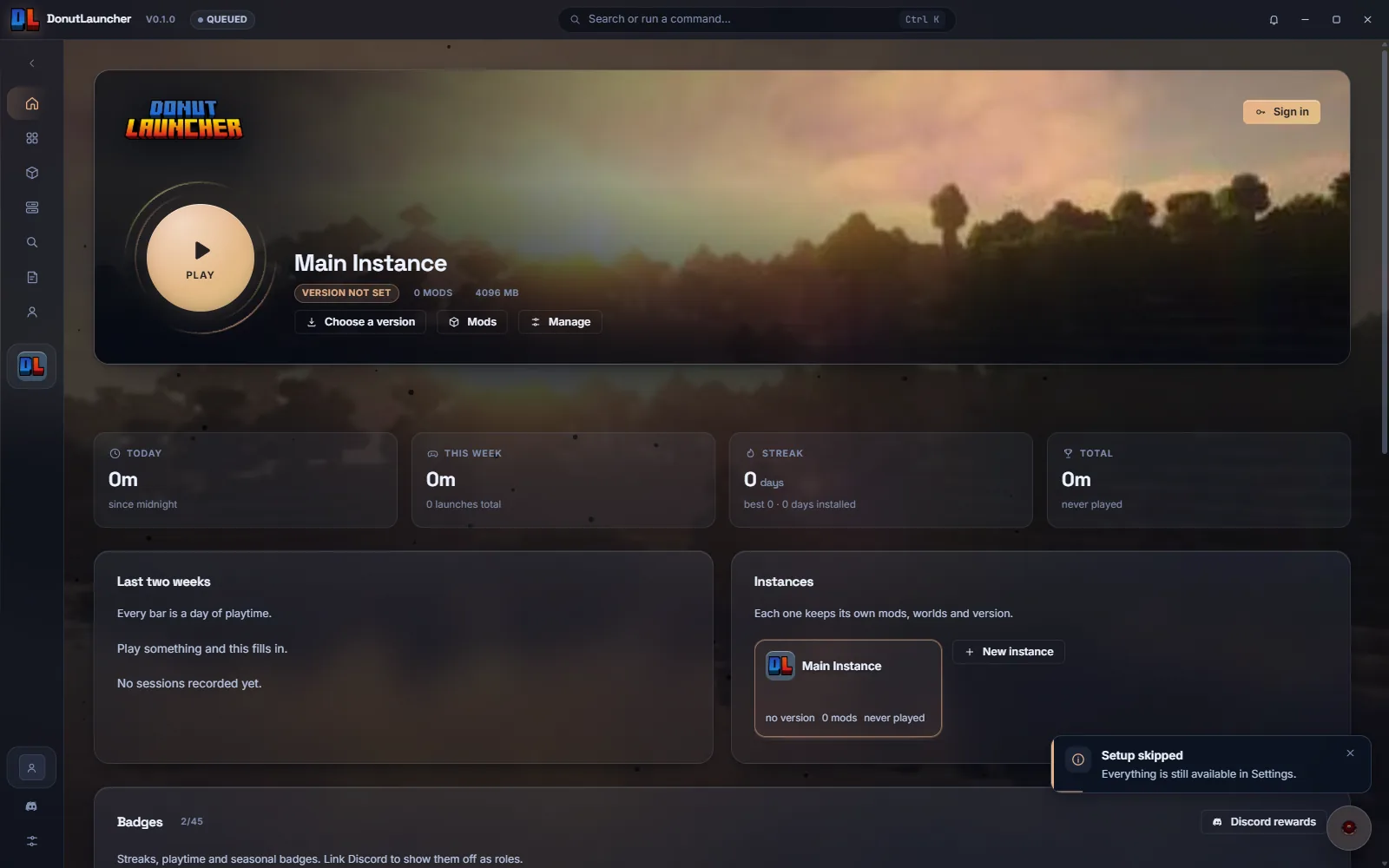
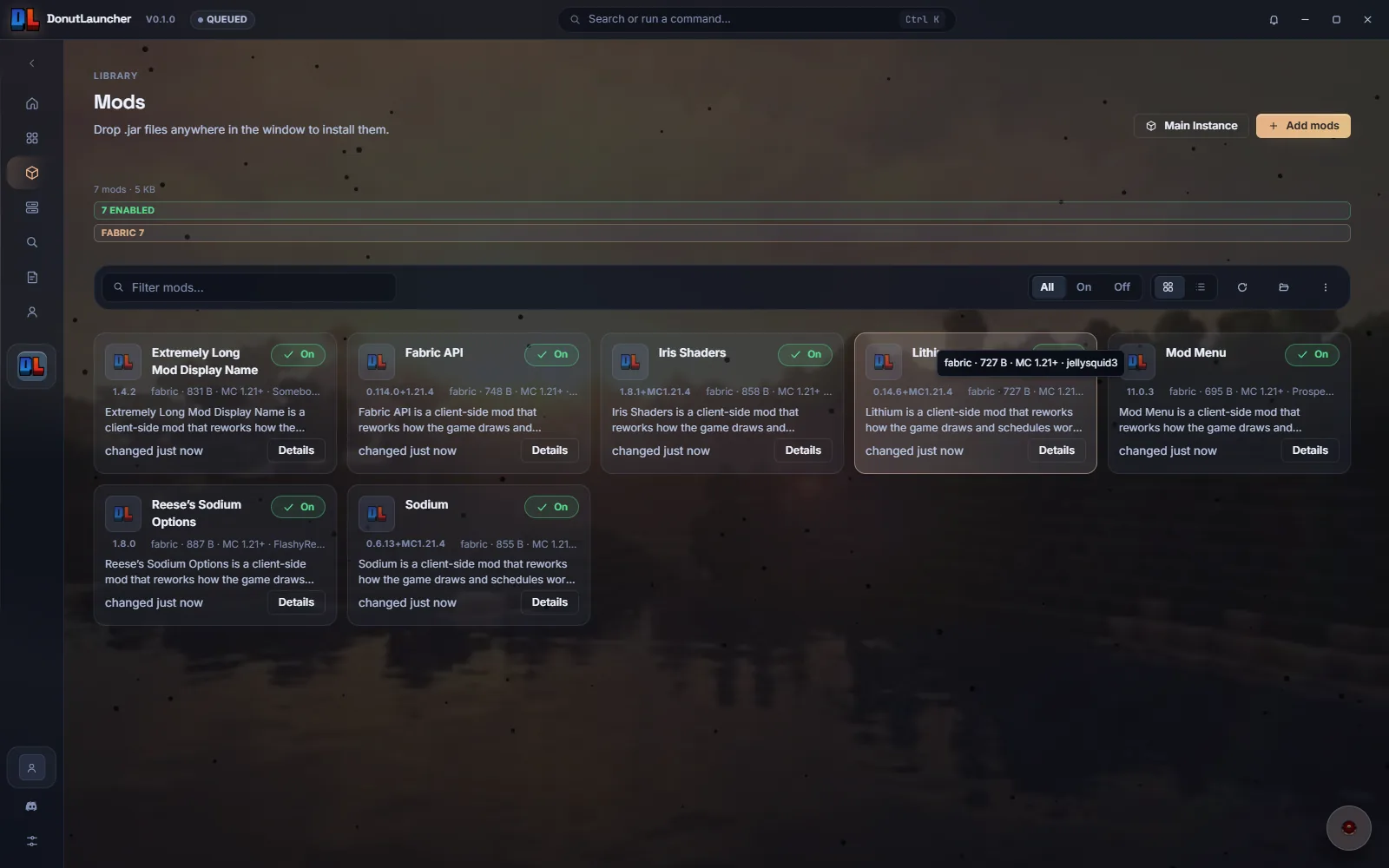
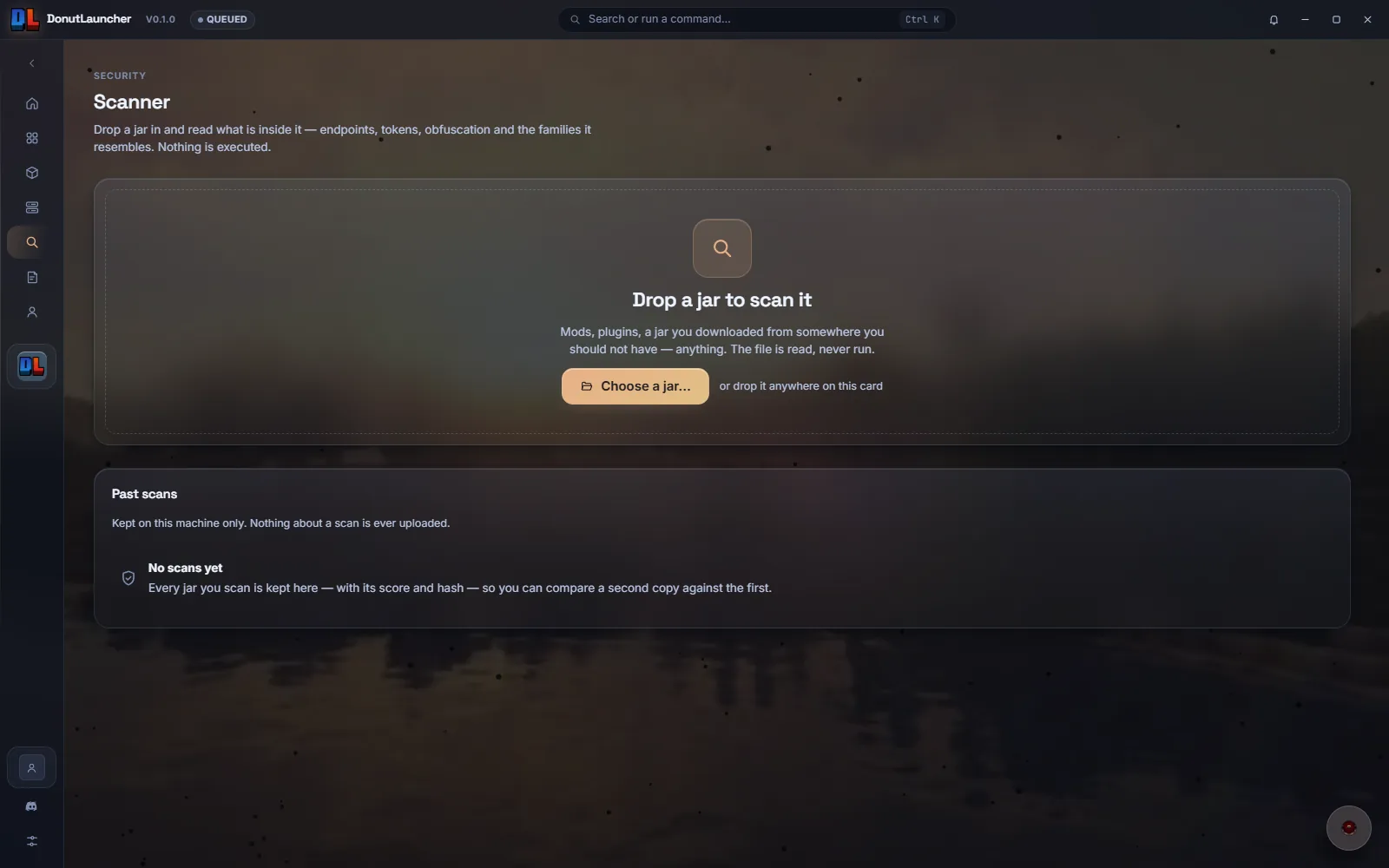
Every Minecraft version. Every mod. Every world. One launcher that keeps them apart.
Releases and snapshots straight from Mojang's own manifest, downloaded, verified and installed into the instance you picked.
Drop a jar on the window and it lands where it belongs. Search Modrinth inside the launcher and install straight into an instance.
Every jar is read before it runs: C2 endpoints, webhooks, obfuscation, known cheat clients. You get a risk score and the evidence behind it.
Set up in a minute
Install it, sign in, press play. No Java to install, no folders to find.
Download
The Windows installer, signed and checkable
Sign in
Microsoft, or paste a session ID
Launch
It fetches the version, sets the memory and starts the game
Versions supported
900+
Every release and snapshot
Loaders we ship for
Fabric, Forge, NeoForge and Quilt — the loader is part of the instance.
Real screens from the running client — no mockups, no renders.
Everything is included and nothing is locked: every version, every feature, the scanner, the assistant. No subscription, no licence key, no upsell.
Windows 10 and 11, 64-bit.
Apple silicon and Intel.
No account, no key
Nothing phones home
The scanner explains itself
Your files stay yours
Mods install themselves
Built to be checked
Ask us anything in the Discord
Real answers about what the launcher does, and a place to report what it gets wrong.
Yes, all of it. Every version, every feature, the mod browser and the scanner. No account, no key, no ads, no paid tier.
Everything Mojang publishes — releases and snapshots — fetched from their own version manifest. Each instance keeps its own version, mods and saves, so one can be on the latest release and another on a snapshot you are testing.
No. The launcher detects an existing Java if it finds one and downloads Mojang's own runtime for the version when it does not.
Every jar is read statically: the archive, the class files and the strings. Nothing inside is executed and nothing is uploaded. You get a 0–100 risk score, the findings it is built from, and the file each one came from.
Yes. Search inside the launcher, pick a version that matches the instance and it is downloaded and placed in the right folder. Dragging a jar onto the window does the same thing.
Nothing by default. Usage data is off until you turn it on, and the assistant only sends what you type into it. There is no account to create.
Windows 10 and 11 today. A macOS build is in development; Linux after that.